Downloading IMT Exif Remover

Thank you for downloading IMT Exif Remover
Your download is both the trial and the full version of IMT Exif Remover. If you have purchased a license, enter your registration information to unlock the limited features.
Your download should begin in a few seconds. If it doesn't, click here.
(md5: 3e70877e07f8b10188126de5b1d40c4e)
Few quick steps for getting started:
- Wait for your downloading to complete.
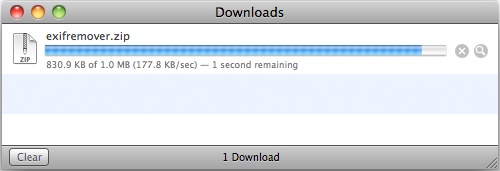
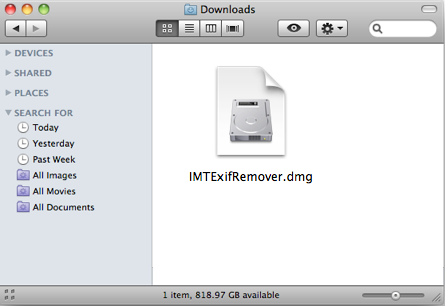
- Double click on the downloaded .zip file if it does not open automatically.
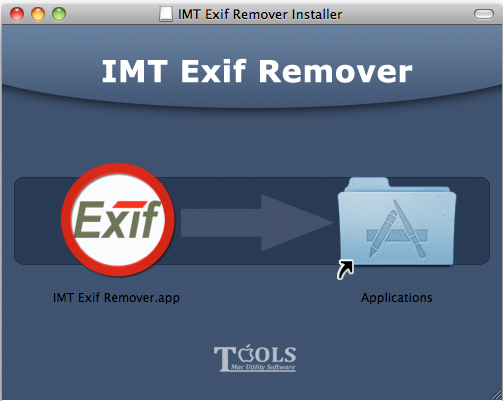
- Drag the icon for "IMT Exif Remover" on the left over to "Applications" on the right, and drop to finish installation.
- Then double-click to launch IMT Exif Remover from your Applications folder.
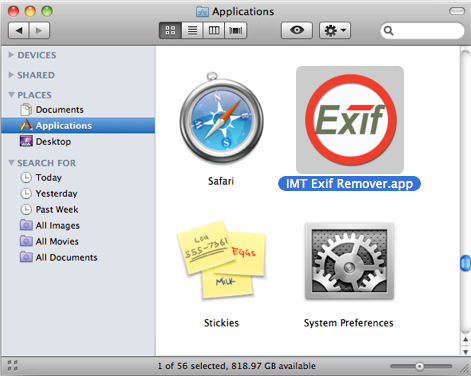
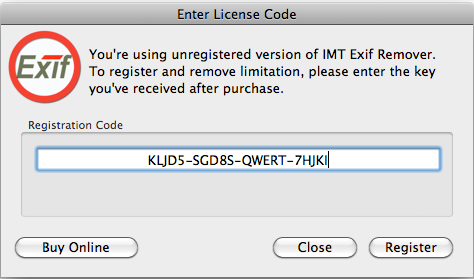
- If you have already purchased IMT Exif Remover, it's a good time to enter your registration code by choosing "Register..." from IMT Exif Remover.
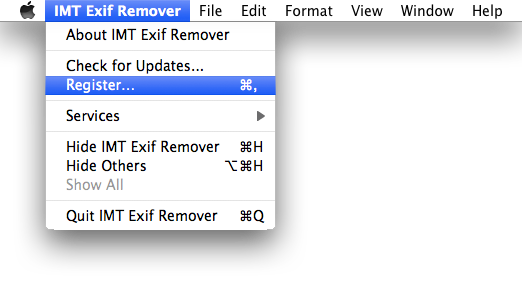
- Enter the license code from us exactly as they appear in the email you received(recommend copy and paste).